Welcome to the Blockly Codelabs

Blockly Codelabs provide a guided, tutorial, hands-on coding experience of Blockly.
Loop block with 'Add text' block that takes the string 'Blockly' as an input
beginner

Getting started with Blockly

Start
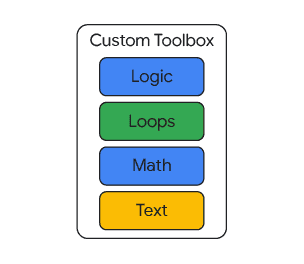
A list of different colour categories labeled 'Logic', 'Loops', 'Math', and 'Text' with the label 'Custom Toolbox'
beginner

Customizing a Blockly toolbox

Start
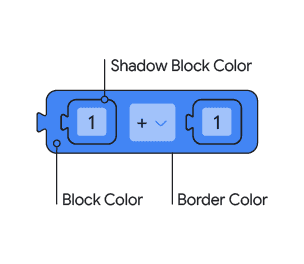
An addition block with shadow blocks and labels pointing out block colour, shadow block colour, and border colour
beginner

Customizing your themes

Start
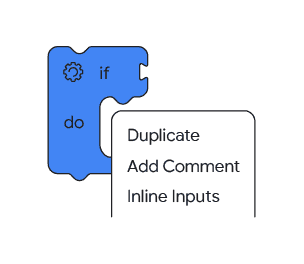
An if do block with a context menu that displays options 'Duplicate', 'Add Comment', and 'Inline Inputs'
Intermediate

Customizing context menus

Start
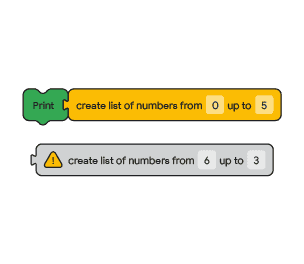
Two list blocks: one is attached to a print block and creates a list of numbers 0 to 5, another creates a list with numbers from 6 to 3 and is grayed out with a warning icon
Intermediate

Block validation and warnings

Start
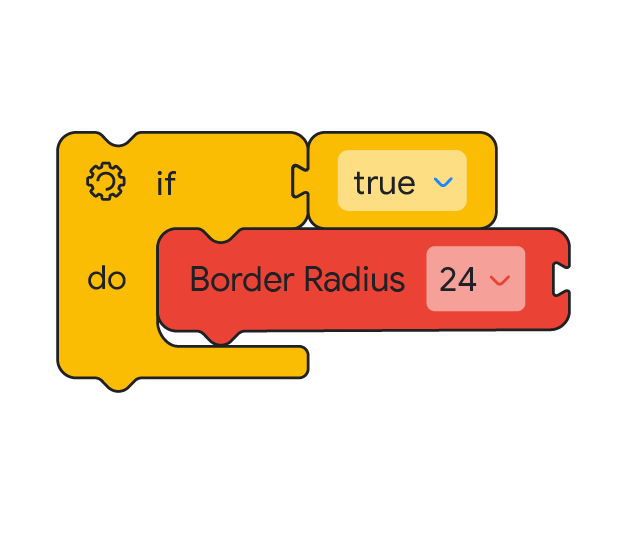
An if do block where the if input is true and the do input sets border radius to 24
Intermediate

Use CSS in Blockly

Start
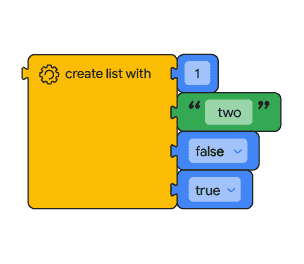
A create list block with four inputs: the number one, the string 'two', boolean false, and boolean true
Advanced

Build a custom generator

Start
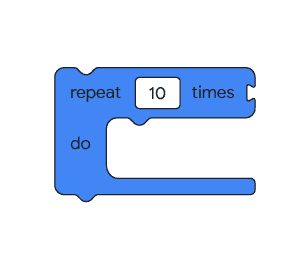
A repeat 10 times loop block
Advanced

Build custom renderers

Start
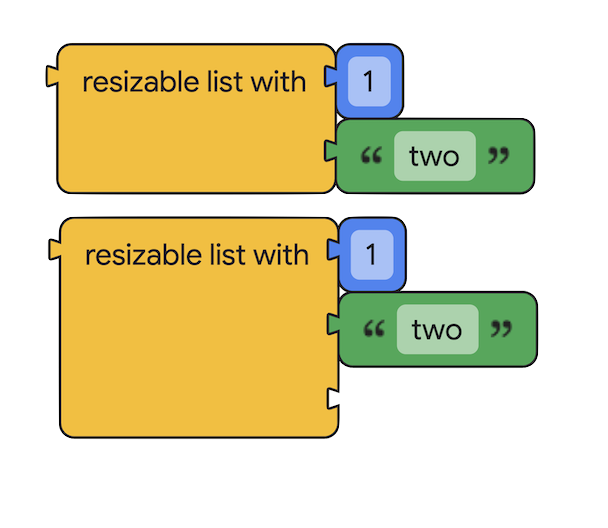
Two 'resizable list with' blocks: the first with two filled inputs, the second with the same two filled inputs and an empty third input
Advanced

Build a custom mutator

Start