Build a custom mutator
1. Codelab overview
What you'll learn
- What mutators are and when to use them
- How to create a custom mutator
- How to use context menus to create a custom mutator UI
- When and how to fire events during a mutation
What you'll build
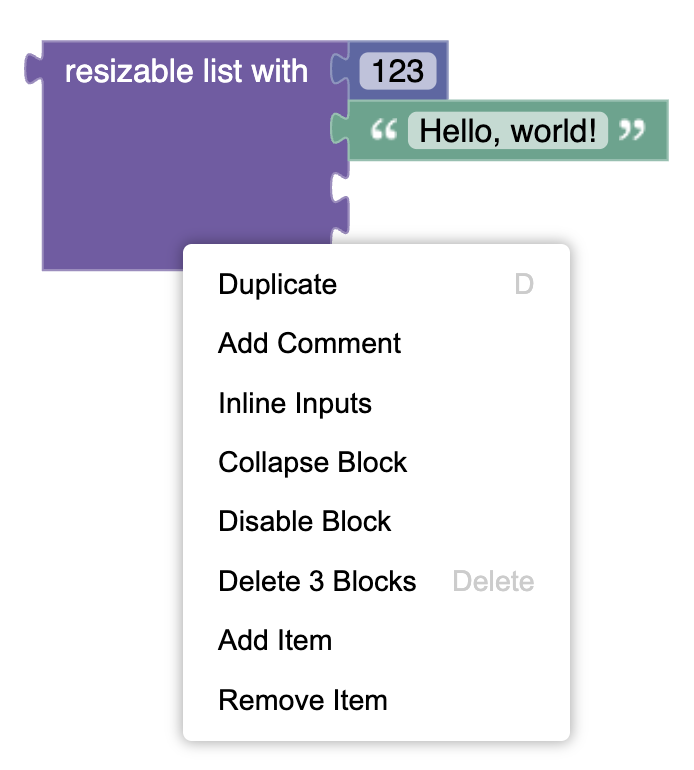
A custom list mutator that uses the context menu to add and remove items.
What you'll need
- Basic understanding of Blockly blocks, toolboxes, and workspaces.
- Understanding of context menus in Blockly.
- NPM installed (instructions).
- Comfort using the command line/terminal.