Customizing a Blockly toolbox
7. Change the category HTML
If you only need to change the CSS, like we did in the previous section, then using the cssConfig is a great choice.
However, if you need to change the html, maybe to add text, an image, or anything else, you can override
the corresponding method that creates the dom. In this example, we'll add an <img>
to our category by overriding the createIconDom_ method.
Change the element for our icon
By default, the createIconDom_ method adds a <span> element for the category
icon. Note that you can override this to create other types of elements, if needed.
Add the following method to custom_category.js:
/** @override */
createIconDom_() {
  const icon = document.createElement('span');
  icon.textContent = '🧰';
  return icon;
}
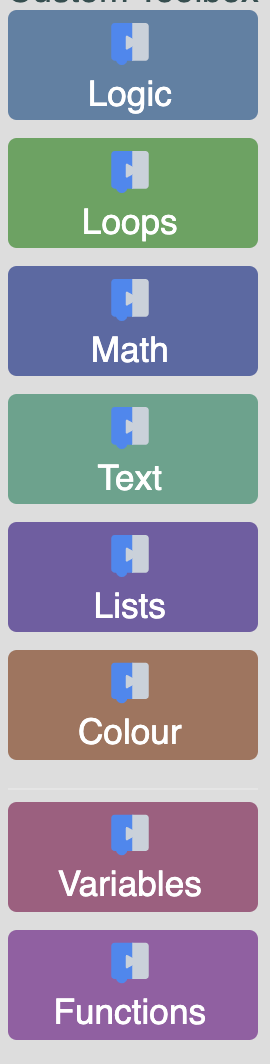
The result
If you refresh the running app, you should now see the toolbox emoji on top of all your categories. Keep in mind, this method of changing the HTML changed it for all categories. This means that you have effectively removed the custom gear icon that was previously on your "Logic" category.