Write a codelab
Introduction
Codelabs are interactive tutorials written in Markdown syntax. They are published as part of our documentation. For general guidance on how to contribute to Blockly's documentation, including codelabs, see the Contributing to docs page.
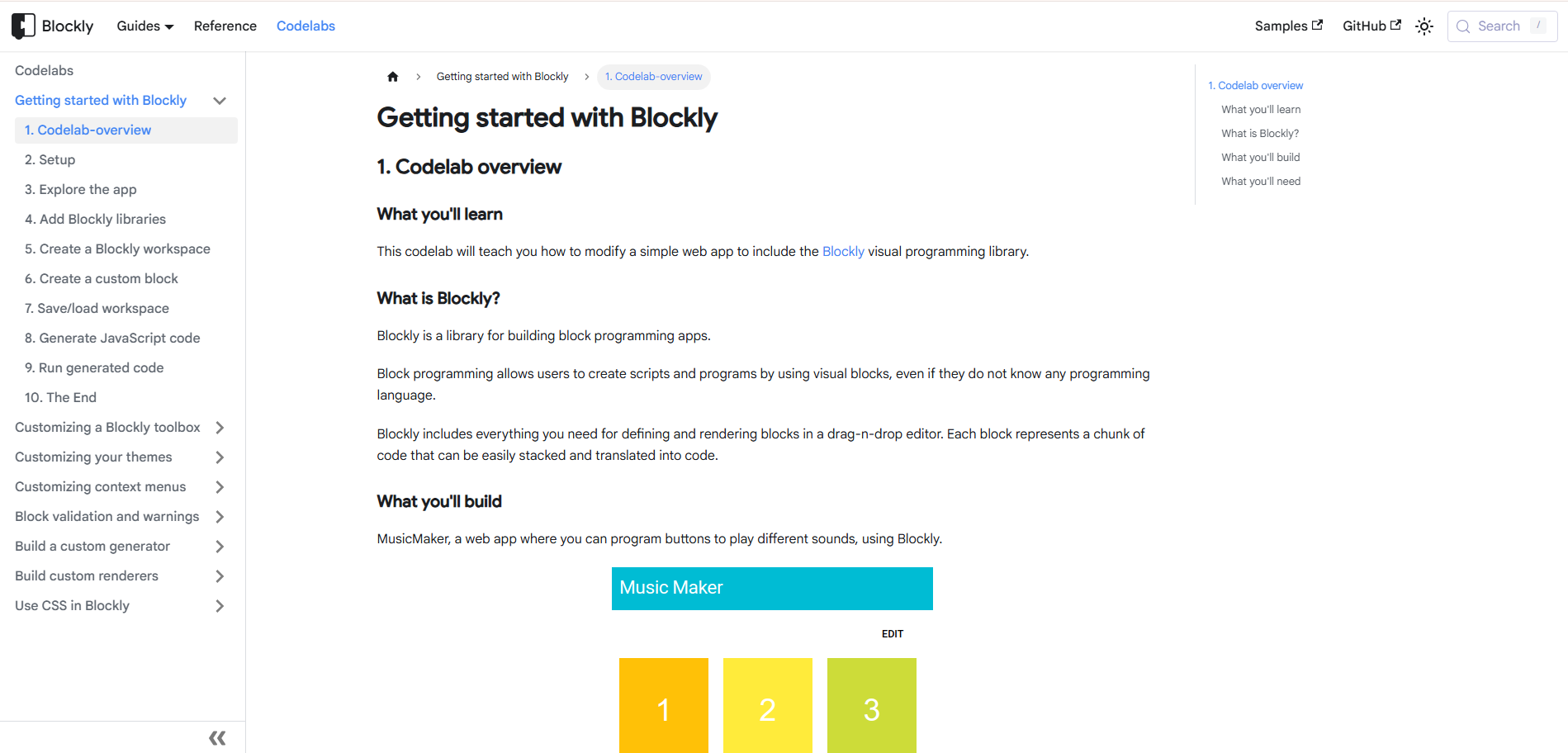
Codelabs use a mix of natural language, code samples, and screenshots to create a more interesting tutorial experience. The target user of a codelab is following along and running the code as they read.
Writing a codelab is a great way to contribute to the community. It's a way to share your knowledge and make life easier for the next developer who runs into the same problem.
What makes a great codelab?
A great codelab is focused and readable. It clearly tells the user what they will build and what they will learn, and it walks the user through writing and understanding code to complete a specific task.
Process
If you have an idea for a codelab, you can tell us about it by making a feature request in the blockly repository. Include a description of what you want to teach and what you will build in the codelab. We'll discuss and refine the idea. Then you can write it up and submit a pull request for it. Once it's been through review, a member of the Blockly team will publish it.
Directory structure
The codelabs directory
has one folder per codelab. Each codelab folder contains the codelab's Markdown
files and usually contain starter-code/ and complete-code/ subdirectories.
Assets (PNGs, GIFs, etc.) are stored in subdirectories of the
packages/docs/static/images/codelabs.
Writing tips
The rest of this page is a set of tips and questions to guide you through writing a codelab.
Audience
- Who is the target reader?
- What do they already know about using Blockly?
- What are they trying to learn?
Setup
- Base new codelabs on the Blockly sample app where possible. Readers can create
it with
npx @blockly/create-package app <folder-name>, and the sample app overview and getting started codelab already explain its code. - What is the minimum setup required for the user to run your code?
New codelabs should state the version of Blockly they are written for.
Structure
As with any writing, start with an outline. This is a good structure for most codelabs:
- Codelab overview
- What you'll learn
- What you'll build
- What you need to know
- Setup
- Create the sample app
- Additional setup instructions
- Step one: [Title goes here]
- Explanation/motivation
- Code sample
- Expected results
- (Optional) More explanation
- ...
- Step ten: [Title goes here]
- Summary
- What you learned
- What you built
- Additional resources
- Link to completed code
Most codelabs have five to ten steps. If you have more than that, you should consider breaking it into two codelabs.
Writing style
- Use a friendly, direct writing style.
- Write instructions in the imperative: "Add the following code to
index.js", not "Now we'll add the following code" or "Next, you will add the following code". - Avoid "we" and "let's", unless "we" refers to the Blockly team (for example, "We recommend...").
- Use "you" for observations and expected results ("You should see a new block in the toolbox") and for short stage-setting sentences at the start of a step ("In this section, you'll create a custom category").
- Refer to functions by name, without parentheses:
functionName, notfunctionName(). Include parameters only when they are relevant to the passage, such asshapeFor(connection). - Use headings to make the organization clear.
- Use bulleted lists to break up walls of text.
- Use images and gifs!
Code style
- You can write in ES5, ES6, or TypeScript, but tell the reader which it is at the beginning.
- Follow the Google style guide